Opening hours always up to date: one place, visible everywhere
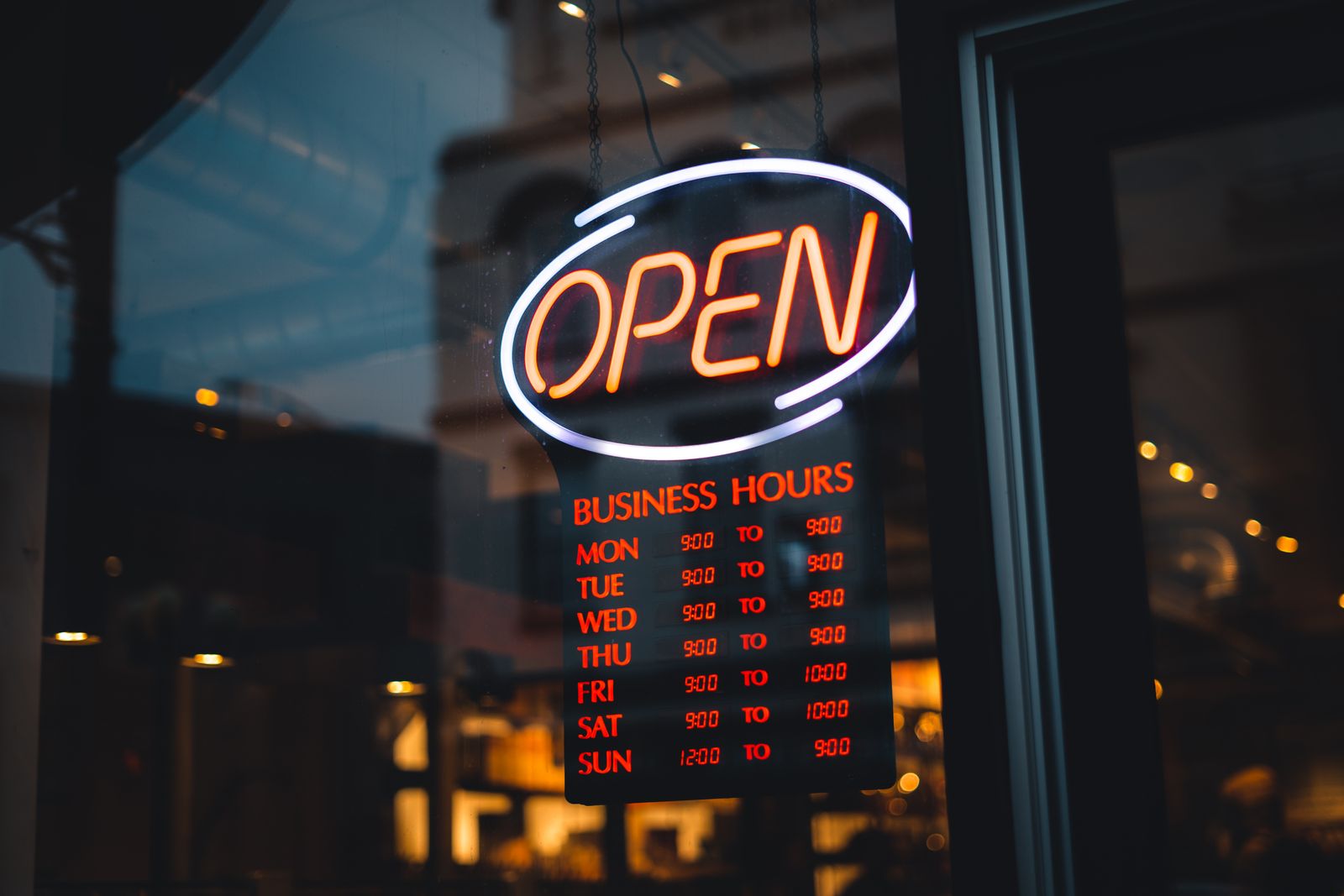
Few things are as frustrating as a guest standing at your door while you’re closed, or worse: someone who sees the wrong opening hours on your website and doesn’t even bother coming by. Opening hours seem like a small detail, but they determine whether a guest bothers to show up at all. In this article you’ll read how to manage them in one place with Sitebite, so they’re accurate everywhere.
The problem of opening hours in ten places
Your opening hours probably sit in more places than you think: on your website, in your Google profile, on your social media, and maybe on a booking site. Change something, and you have to update it everywhere separately. In practice you always forget one, and different versions of your opening hours end up circulating online.
For a guest, that’s confusing, and it costs you trust. Someone who’s once stood in front of a closed door because of wrong information doesn’t come back quickly.
One central place, visible everywhere
With Sitebite, you manage your opening hours in one central place, as part of your business details. Enter or adjust them there, and they’re automatically shown everywhere on your site where they belong: in the footer, on your contact page, and in any opening hours section.
So you no longer need to change the same thing in five places. Update it once, and your whole site is accurate again. That saves time and prevents mistakes.
Also visible to Google and AI
Your opening hours aren’t just useful for your visitors. They’re also included in your structured data, the information Google and AI assistants read. That lets Google show whether your business is open right now, and lets an AI assistant point a guest searching for “a restaurant that’s open now” your way.
If your opening hours are wrong, that notice is wrong too, costing you guests as a result. One central, accurate source solves that in one go.
Special hours and holidays
It’s often around holidays that things go wrong. You close earlier, or stay open longer, but your website still lists the normal hours. By setting special opening hours in time, you avoid disappointed guests at exactly the moments that are busy and matter most. It’s a small action with a big effect on your hospitality.
Frequently asked questions
Do I need to enter my opening hours separately on every page?
No. You enter them once in your business details, and they automatically appear everywhere on your site where they’re shown.
Are my opening hours also used by Google?
They’re included in your structured data, so search engines and AI assistants can pick them up. You manage your Google Business Profile separately, but it helps if both sources say the same thing.
Can I set temporary or special hours?
Yes. For holidays or special days, you can enter different hours, so your guests always see the right information.
Small detail, big difference
Accurate opening hours are one of the simplest ways to avoid missing guests. By managing them in one place, they’re accurate everywhere: on your site, in your structured data, and towards the guest. It fits the same approach with which you manage your whole site yourself, as described in Building a restaurant website with no coding.


