Prompt tracking: how often does ChatGPT recommend your restaurant?
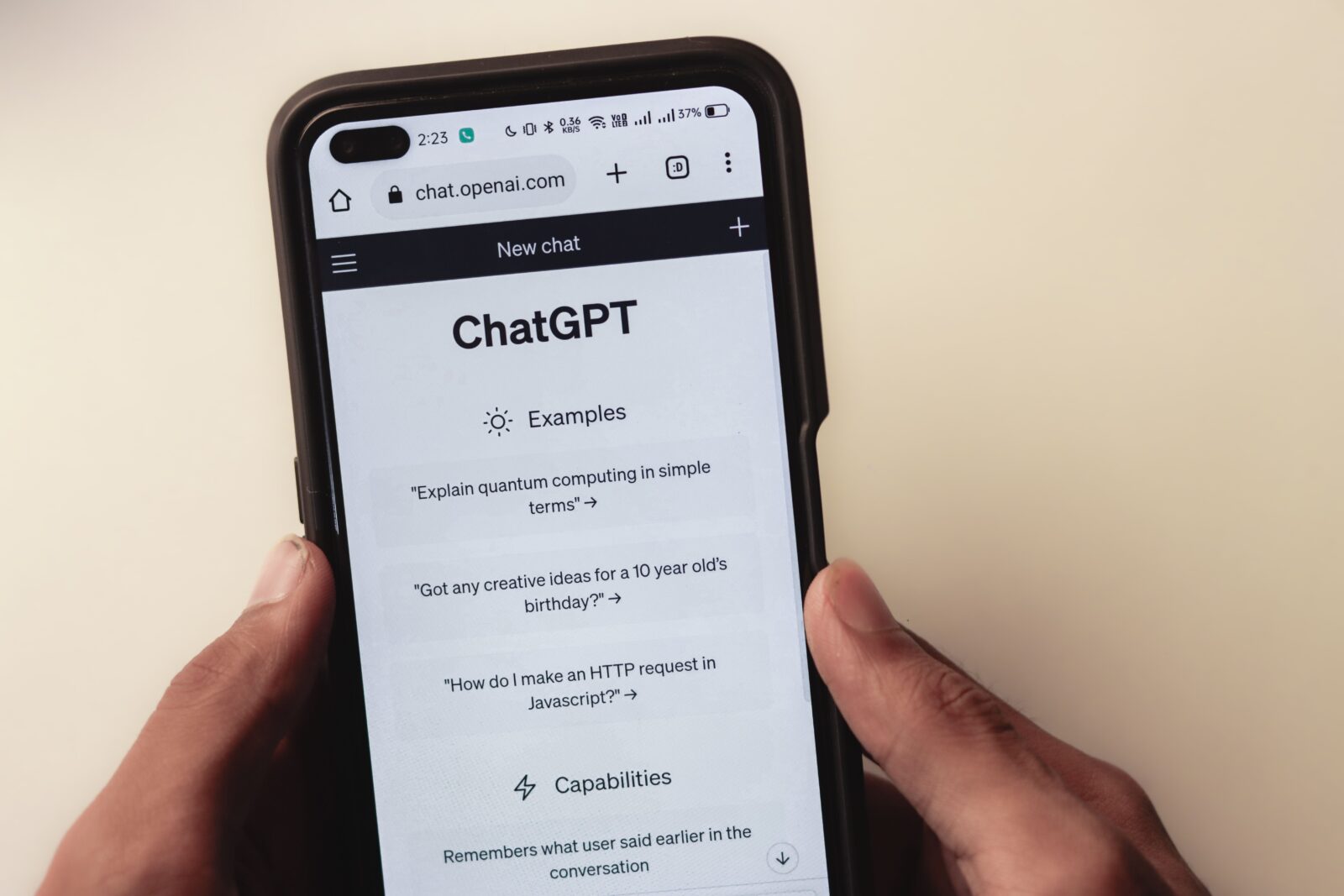
You know guests increasingly ask AI for restaurant tips. But do you show up in those answers? With prompt tracking in Sitebite, you see exactly which questions mention your business, and which don’t.
What is prompt tracking?
Prompt tracking automatically tests relevant questions with AI assistants, such as:
- “Best Italian restaurant in London”
- “Romantic dinner Manchester”
- “Restaurant with a terrace and vegan options”
Sitebite compiles these prompts based on your restaurant profile (cuisine, city, neighbourhood and business type) and shows whether, and how often, your restaurant is recommended.
Why this matters
Google Analytics shows who visits your website. Prompt tracking shows whether you’re even on the radar before someone clicks through to your site. That’s the new funnel: first an AI recommendation, then your website, then the booking.
If you don’t show up for “best pasta [city]” while pasta is your speciality, you know your content or menu context is missing something.
How does it work in Sitebite?
- In your site overview, go to Prompt Tracking.
- Check your Restaurant Profile (cuisine, city, neighbourhood and type). Leave a field blank, and the AI Visibility analysis fills it in from your structured data.
- Click Run First Test, or later Run Again.
- View per prompt whether you’re mentioned, at what position, and in what context.
You see overview metrics like Mention Rate, the number of prompts you’re mentioned in, and your average position, with a trend versus your previous run. Everything is also available in the mobile app.
Prompt tracking versus AI Visibility Score
The AI Visibility Score measures whether your site is technically ready for AI. Prompt tracking measures whether AI actually mentions you. Both belong together:
- Low score and not mentioned: update your site and structured data first.
- High score and not mentioned: competition or a content gap, strengthen what sets you apart.
- High score and mentioned: you’re on the right track, keep monitoring.
Missing an important prompt?
Don’t show up for a prompt that matters to you? With the Create page for this prompt button, you let Sitebite automatically generate a suitable page that addresses that question.
3 actions after your first test
- Enrich your menu: make sure your specialities and cuisine are clearly stated in your HTML menu.
- Fill in context: cuisine, city and neighbourhood help AI match you better.
- Check your llms.txt: Sitebite generates this automatically and points AI to your key information. Read our article on llms.txt.
Want to know if ChatGPT already knows you? Start with Sitebite and run your first prompt tracking test.


