WhatsApp as a Contact Channel on Your Restaurant Website: Faster Replies to Guests and Requests
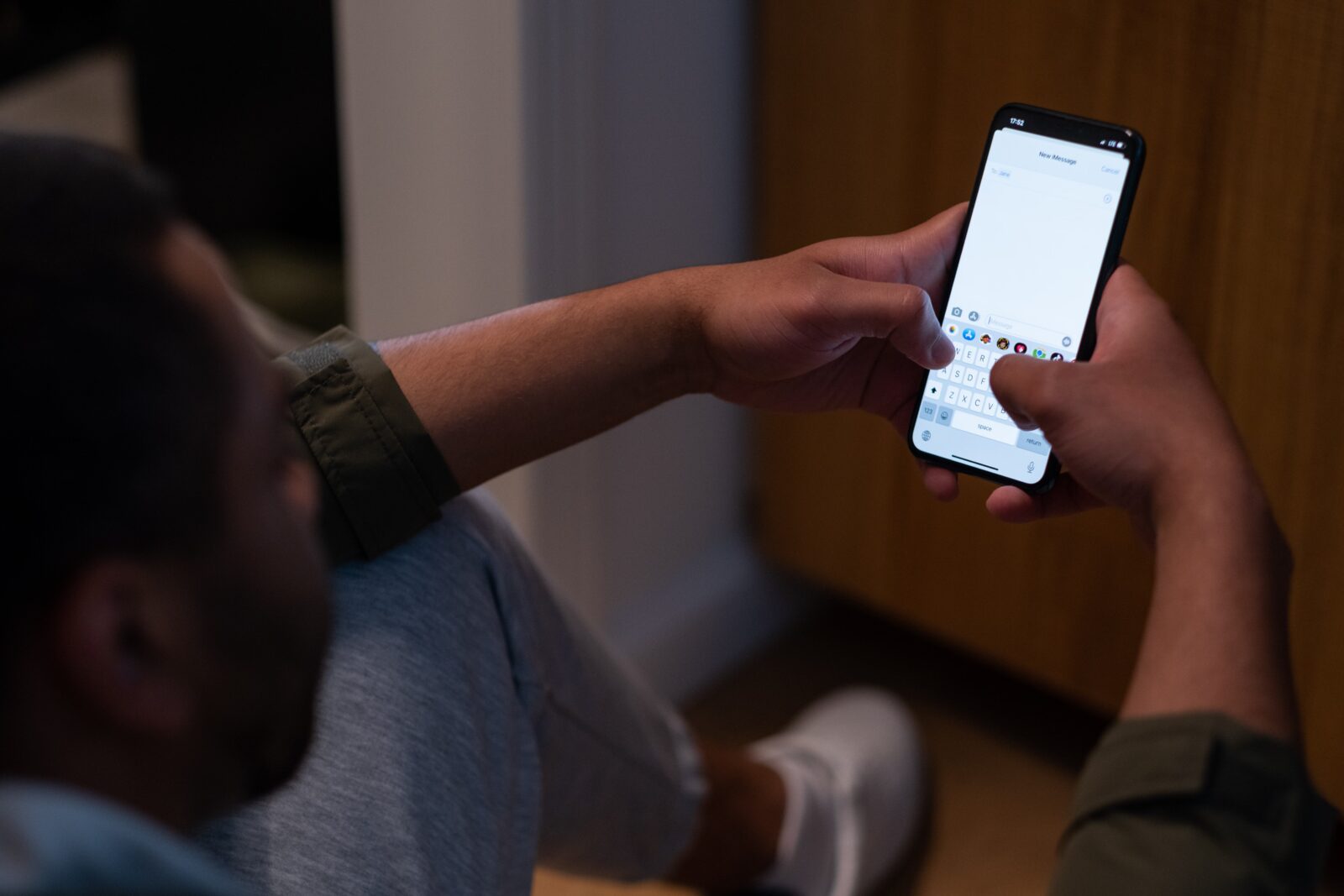
A guest who wants to know in seconds whether there’s still a table free tonight will often reach for a quick message before filling in a form or picking up the phone. WhatsApp is, for many people, the contact channel they trust most, including when reaching out to a business. A clear WhatsApp button on your restaurant website makes it as easy as possible for guests to ask a question, and easier for you to reply quickly.
Why WhatsApp is a strong extra contact channel
A phone call means an interruption in the middle of service. A form can feel a bit too formal for a simple question about opening hours or an allergy. WhatsApp sits right in between: low-friction, direct, and something nearly every guest already uses daily. For quick questions, a fast check, or a booking request outside your regular flow, it’s often the fastest route to an answer for both sides.
When WhatsApp, when a form?
WhatsApp and forms complement each other rather than replace one another. For structured requests such as a contact and request form, a job application, or a request from a supplier, a form still works better: the question arrives in a structured way, with the right fields, and a separate supplier and press form keeps it from getting lost among guest questions. For a quick guest question, like whether there’s still a table for 4 at 8pm, WhatsApp is usually faster for everyone involved.
How to add a WhatsApp button to your website
- Choose a business number. Use a separate number through WhatsApp Business for clarity, not your personal number.
- Set a short default message. That way the guest knows it’s genuine, and the conversation starts with context right away, for example “Hi, I have a question about…”.
- Place the button on the right pages. Think of your contact page, menu, and booking page, alongside your existing booking system rather than instead of it.
- Link it to your opening hours. Note the hours you reply within, so expectations stay realistic outside them.
- Test the button yourself. Send yourself a message and check it lands with the right device or team member.
Managing response time and expectations
A WhatsApp button sets the expectation of a fast reply. If you only respond a day later, the channel works against you and creates more frustration than convenience. Just like with your FAQ, set clear hours around when you reply, and assign someone to keep an eye on messages during busy periods. For high volumes of bookings, a connected booking system still stays more manageable than loose chat messages. If you’d rather automate this than staff a number yourself, an AI assistant like Bonnie answers WhatsApp around the clock on its own.
Privacy in short
A phone number is personal data, even via WhatsApp. Don’t keep conversations longer than necessary, be transparent about who on your team can see them, and clear out chats from handled requests periodically. That keeps this channel tidy too. Want to map this out for your whole website, from retention periods to data processing agreements? Read our guide on GDPR and personal data on your restaurant website.
Want to help guests just that bit faster and more personally? Try Sitebite for free and add a WhatsApp button to your restaurant website.


