Digitising your menu in seconds: from photo or PDF to an online menu
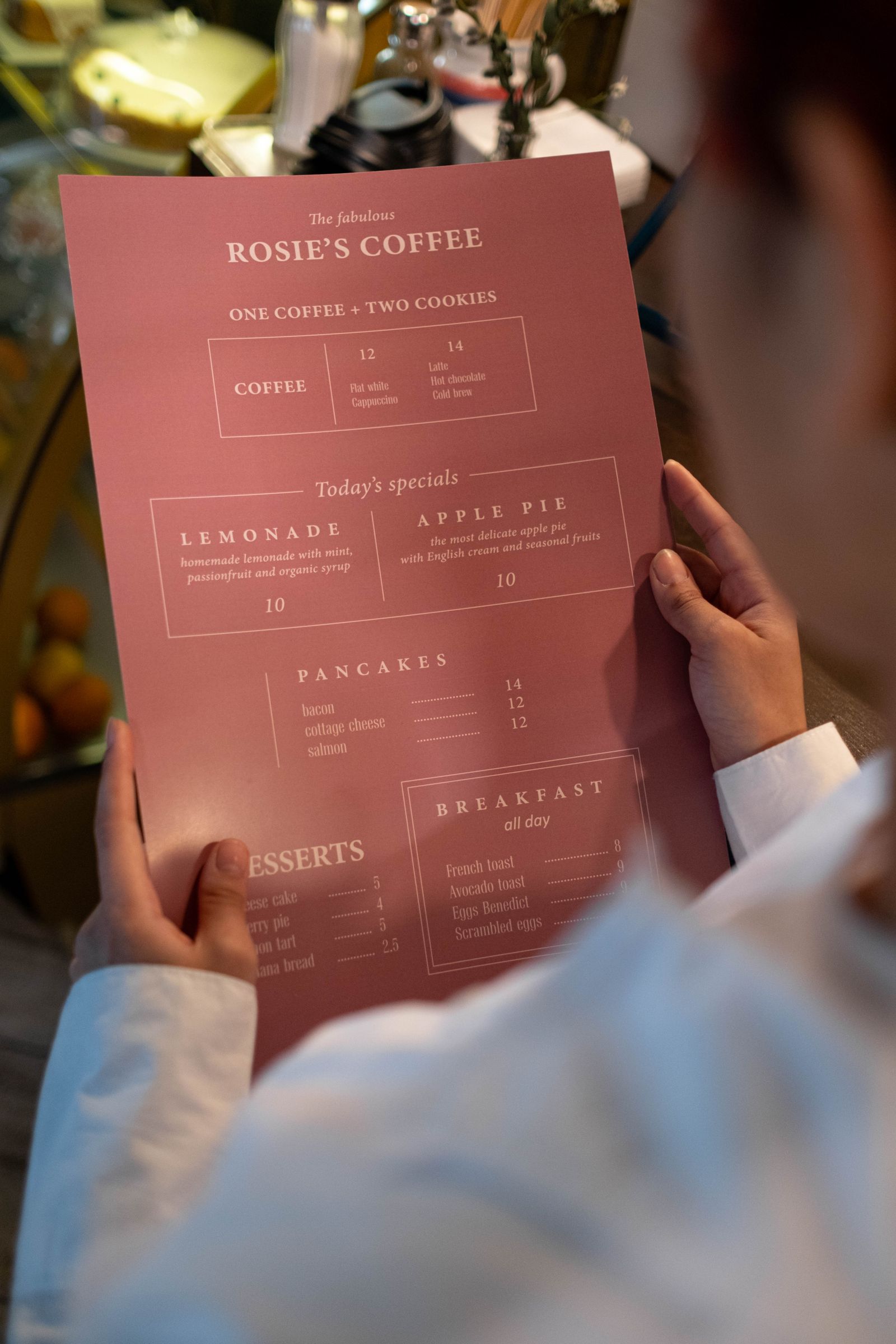
Ask any random guest what they look for first on your website, and the answer is almost always the same: the menu. Yet at many venues, the menu sits online as a PDF, a stray photo, or not at all. Often for the same reason: retyping the whole menu feels like an evening’s work you never get around to.
That’s no longer necessary. With Sitebite, you turn your existing menu into a neat online menu in a few minutes, without retyping a single word. In this article you’ll read how that works and why it delivers more than you’d think.
Your menu already exists, use it
The biggest obstacle to putting a menu online is the idea that you have to enter everything again. Dish by dish, with the right description and price, and then neatly under the right section. No wonder it keeps getting put off.
But you already have your menu, of course. On paper, in a design from your designer, or as a PDF you used for the printer. That file is exactly enough to start from. You don’t need to reinvent or retype anything.
How it works: from file to structured menu
You upload a photo of your menu or a PDF. If you only have a paper menu, a sharp photo with your phone is enough. Sitebite’s AI reads the document and automatically recognises how your menu is structured:
- The sections, such as starters, mains, desserts and drinks, are recognised as separate headings.
- Each dish is placed under the right section, including its description.
- The price is linked to the correct dish, even if a line has several prices.
You then see the result to check it. Is there a typo in the original, or has a dish just come off the menu? You adjust it right away and publish it. What used to cost an evening of retyping is now a matter of minutes.
Why a real menu works better than a PDF or photo
You might think: if I have a PDF anyway, I’ll just put that up. The difference isn’t in how it looks, but in what happens behind it. A structured online menu has a few advantages a PDF or photo lacks.
To start, it’s searchable. Google and AI assistants can actually read the text of your dishes and prices. If someone searches for “where can I get fresh pasta nearby”, your venue stands a chance of appearing in that answer. That doesn’t happen with a PDF or a photo, because for a search engine, that’s a closed door.
An online menu also reads nicely on a phone, and that’s where most of your guests view your site. No cramped PDF you have to zoom into and scroll back and forth on, but text that scales neatly with the screen. And it’s accessible: guests using a screen reader or read-aloud function can read your menu too.
Get it right once, then always up to date
A PDF menu has another annoying trait: as soon as something changes, it’s no longer accurate. A new price means creating a new file, exporting it and uploading it again. In practice, that often falls by the wayside, and a menu ends up online that no longer matches what happens at the table.
With an online menu, you adjust a price or a dish directly in the dashboard, and the change is instantly visible on your site. Taking the stew off the summer menu or adding a special takes you half a minute. Your menu is always accurate this way, for every guest who opens it.
Get started with the menu you already have
So you need nothing new to start. Grab the menu you have right now, take a photo of it or find the PDF, and upload it. Within a few minutes you’ll have a polished, findable online menu that you’ll barely need to look at again after that. Once your menu is set up, make it even stronger with photos next to your dishes and clear allergens and dietary needs. The time you save, you’d rather spend on your guests than on retyping.


