A menu with photos: why images boost your conversion
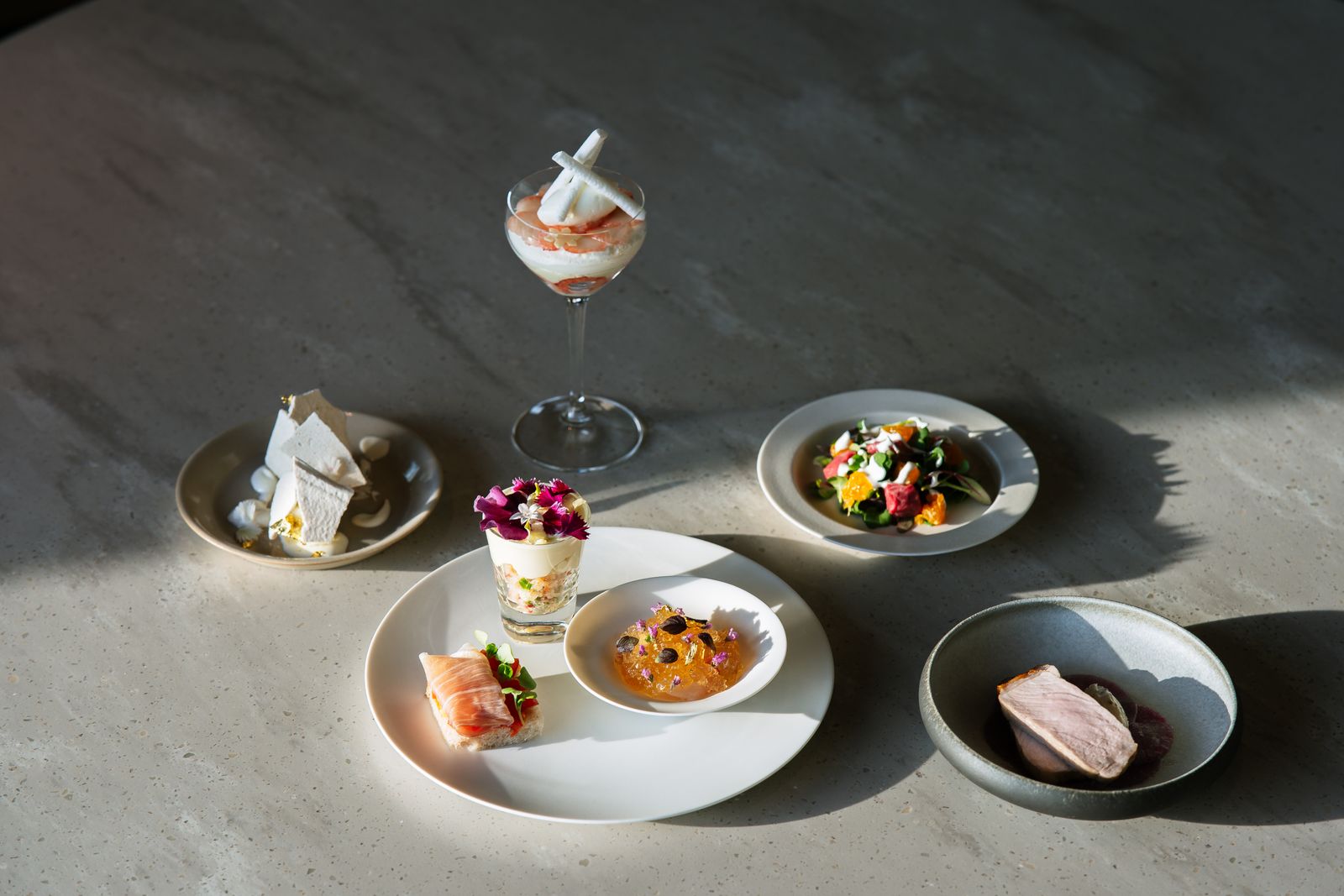
A guest browsing your menu chooses with their eyes before they choose with their taste. A good photo of a dish says more in one glance than the nicest description. Yet many online menus show only names and prices. In this article you’ll read why photos next to your dishes boost your conversion, and how to add them easily with Sitebite.
People eat with their eyes
Imagery works instantly. An appealing photo builds appetite, makes a dish concrete and helps the guest choose. Where a line of text still leaves room for doubt, a good photo settles it. That’s especially true for dishes the guest doesn’t already know: a photo removes the uncertainty and lowers the barrier to ordering something new.
Photos increase your average spend
Imagery does more than make choosing easier, it also tempts. A nice photo of a starter or a dessert nudges guests into ordering that extra dish after all. That way, imagery doesn’t just help with choosing your venue, but also with what a guest ends up spending. For such a small addition, that’s a solid return.
How to add photos
With Sitebite, you attach a photo directly to a dish. You don’t need to be a designer: you upload an image, and it appears neatly formatted next to the dish on your menu. Once your menu is set up, add imagery where it has the most effect, for example with your specialities or your best-selling dishes. You can read how to set up your menu in the first place in Digitising your menu in seconds.
Also good for your visibility
Photos next to your dishes don’t just help your guests, they help your visibility too. Imagery can show up in a search engine’s image results, and a menu with good photos looks more complete and trustworthy. It all adds to the overall impression a new guest gets of your venue.
A few tips for good menu photos
You don’t need a professional studio, but a few things make the difference:
- Shoot in daylight; natural light does the most justice to food.
- Keep the background calm, so the dish gets the attention.
- Stay consistent in style, so your menu feels like a whole.
- Make sure the photo matches what the guest actually gets served.
That last point matters: a photo sets an expectation, and you want to live up to it.
Frequently asked questions
Do I need a photo for every dish?
No. Sometimes a mix of with and without actually looks messy. Choose deliberately for your specialities and best-performing dishes; that’s where imagery has the most effect.
Do I need an expensive camera?
Not necessarily. A modern phone takes perfectly good menu photos in good light. Light, a calm background and a consistent style matter more than the camera.
Does it also help with allergens and dietary needs?
Imagery and information reinforce each other. Combine photos with clear labels for allergens and dietary needs, as described in Showing allergens and dietary needs on your online menu, for a menu that’s both appealing and clear.
Let your dishes speak for themselves
Photos on your menu are one of the cheapest ways to attract more guests and increase your average spend. They help with choosing, they tempt, and they make your menu feel complete. A small effort with an immediately visible effect.

