Digitising your menu with a photo or PDF
Retyping your whole menu is a waste of your time. Upload a photo or PDF of your existing menu and let Sitebite automatically convert it into a digital, machine-readable menu.
From photo or PDF to digital menu
Have your menu as a PDF or a photo? Upload it, and Sitebite converts the dishes, prices and categories into a neat digital menu. All you need to do is check it and fine-tune it.
Scanning with your camera
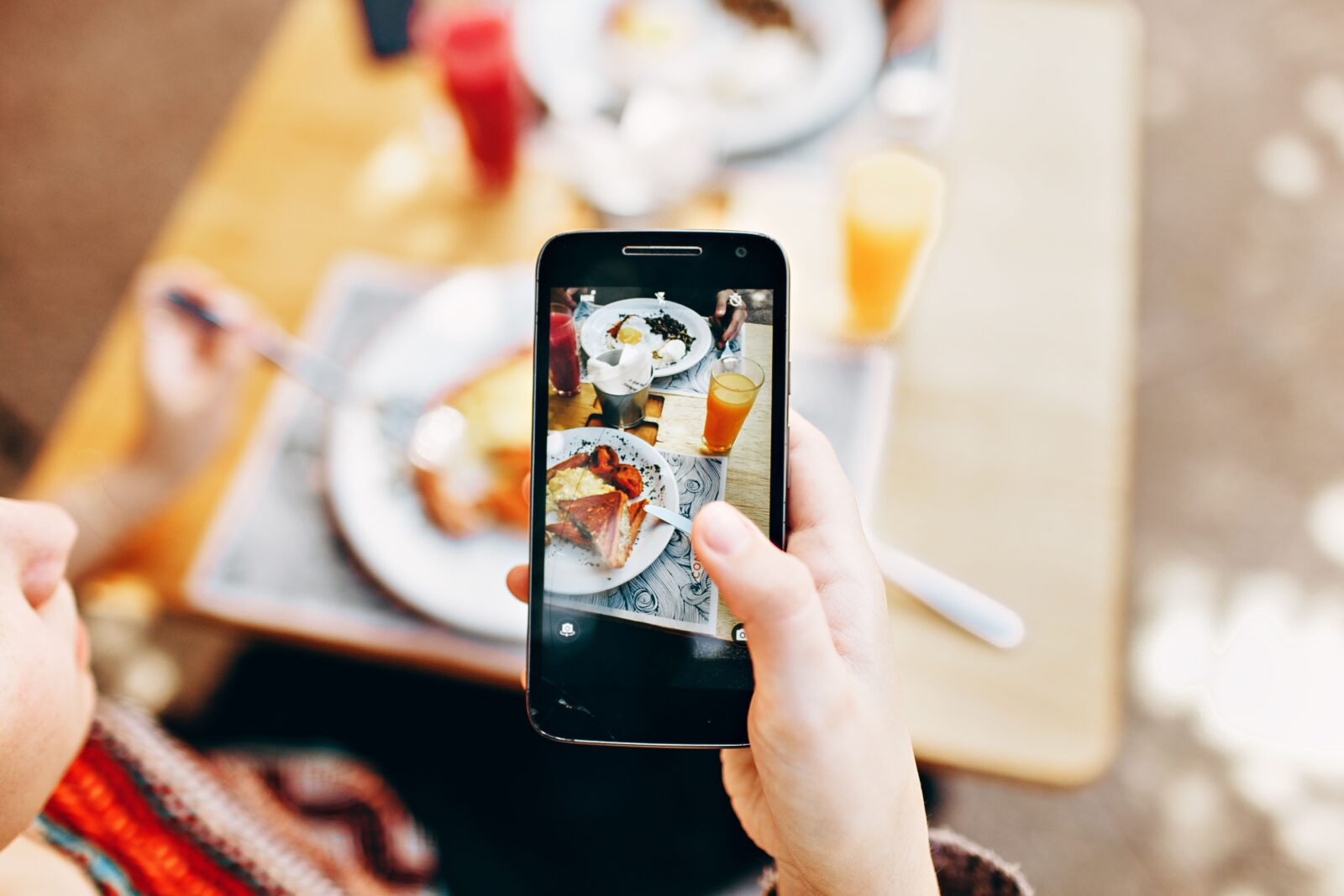
You can also take a photo directly with your phone’s camera. The photo syncs immediately to your media library, so you can continue on your computer.
How it works
- Go to your menu in the dashboard.
- Choose to upload a photo or PDF, or take a photo with your camera.
- Sitebite converts the content into a digital menu.
- Check the dishes and prices and adjust where needed.
- Publish the menu on your site.
Why digital beats a PDF
A PDF or image can’t be read by AI, an HTML menu can. By digitising your menu, it becomes findable for Google and AI, which counts towards your AI Visibility Score. Also read creating a digital menu and then add your diet labels and allergens.
Not keen on retyping? Try Sitebite and digitise your menu in minutes.


