Adding diet labels and allergens to your menu
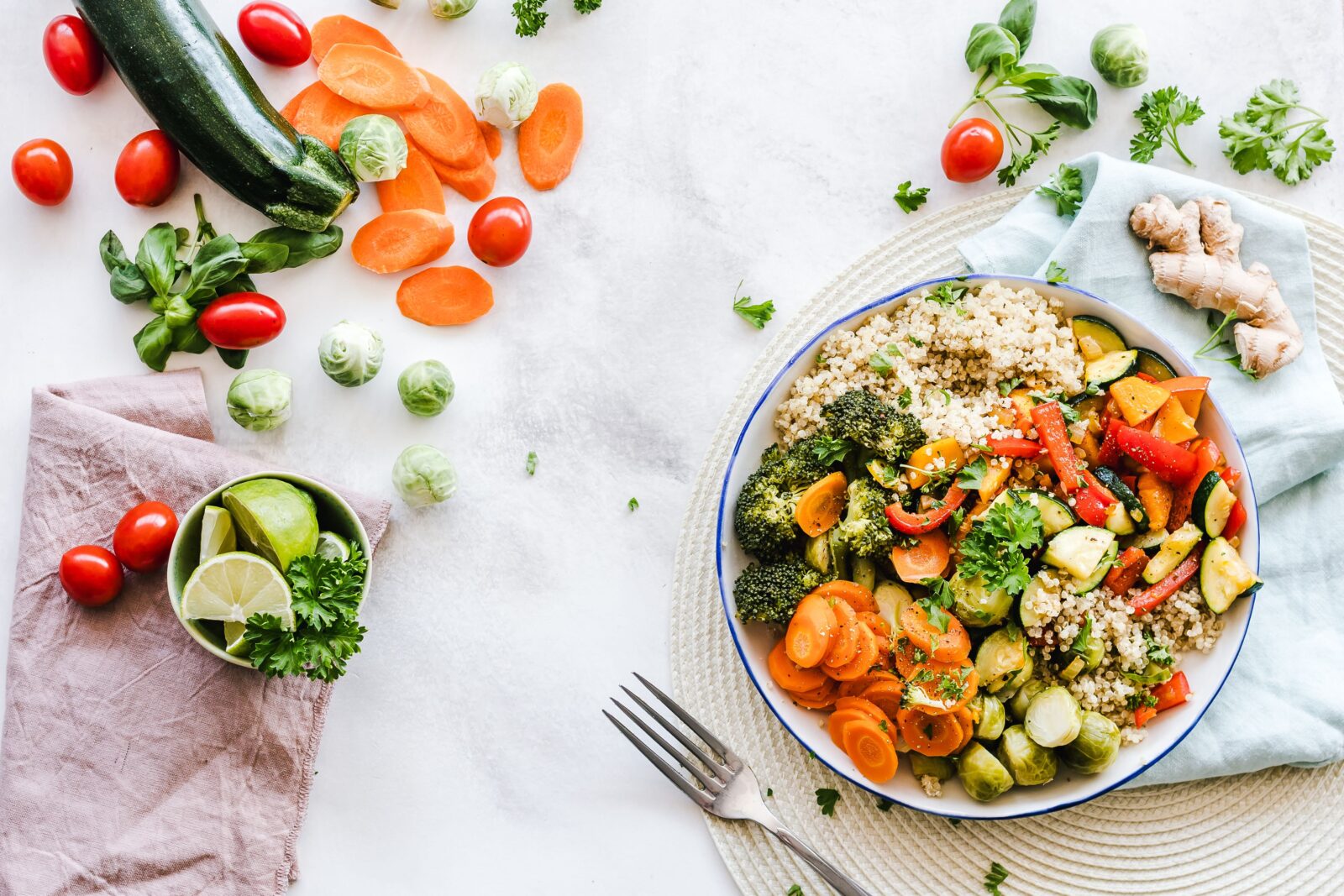
Guests with an allergy or a diet want to know in advance what they can eat. With diet labels and allergens on your digital menu, you help them, and you meet the information duty at the same time.
Allergens according to the EU-14
Sitebite supports the fourteen legally required allergens. Per dish, you indicate which ones apply, so guests can see at a glance whether a dish is suitable for them.
Diet labels per dish
- Vegan: fully plant-based.
- Vegetarian: without meat or fish.
- Vegan option available: can be made plant-based on request.
How to add labels
- Open your menu in the dashboard.
- Open a dish.
- Tick the correct allergens and diet labels.
- Save. The labels appear on your live menu.
Also good for your visibility
Diet labels make your menu richer and more readable for machines. As a result, AI assistants more easily match searches like “vegan restaurant nearby” with your business. That counts towards your AI Visibility Score.
Tip: keep it complete and up to date
Update your labels as soon as a recipe changes. Incorrect allergen info is a risk, so check them regularly. Start with the basics in creating a digital menu and organise your menus with multiple menus.
Make your menu accessible to everyone. Try Sitebite and add diet labels and allergens.


