Knowledge Base
Popular topics
Retaining Staff in Hospitality: How Your Website Helps Build a Strong Team
Finding staff is one thing, keeping them is another. Discover how your restaurant website helps build a strong, engaged team that stays.
Connecting TheFork to your restaurant website: coming soon to Sitebite
A direct connection with TheFork (LaFourchette) is in development at Sitebite. Read what you can already do now and what the connection will add.

What does a Sitebite website cost?
Sitebite works with one fixed monthly amount, all features included. No packages, no hidden costs. Read how that works, including with multiple businesses.

A blog and events calendar on your restaurant website
Keep your restaurant website current with blog articles and an events calendar. Good for your guests and for your visibility with Google and AI.
Why every hospitality business needs its own website in 2026 (and not just social media)
Social media costs nothing, but it isn't yours, and new guests barely find you there. Why a website of your own is the foundation under your hospitality business in 2026, and how you can be live faster than you think.

The complete guide to your hotel or campsite website
The complete guide to your hotel or campsite website: get found by Google and AI, secure more direct bookings, and present your menu and integrations well.
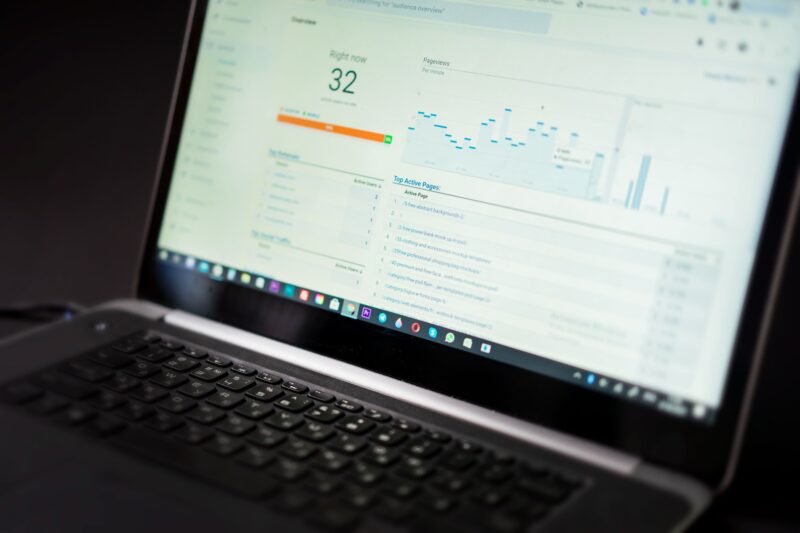
Your AI Visibility Score: measure how findable you are for AI assistants
Measure in one score how findable your restaurant is for ChatGPT, Google and other AI assistants, and see exactly what you can improve.
Reviews on your website: build trust and stand out to AI
Show reviews on your restaurant website to build trust, get more bookings and strengthen your AI visibility.

Email marketing for your restaurant with Mailchimp, Klaviyo or Brevo
Connect Mailchimp, Klaviyo or Brevo to your restaurant website and automatically collect sign-ups. Bring guests back with email marketing.

Connecting Facebook and Google Ads pixels to your restaurant website
Connect the Facebook Pixel and Google Ads conversions to your restaurant website. Measure what your ads deliver and set up retargeting.

Showing announcements with a notification bar on your website
Put important announcements like opening hours or promotions at the top of your restaurant site with a notification bar. Every visitor sees them right away.

Seasonal content that works for your campsite or hotel
Guests search for different things per season. Here's how to build a content plan that matches that all year round.
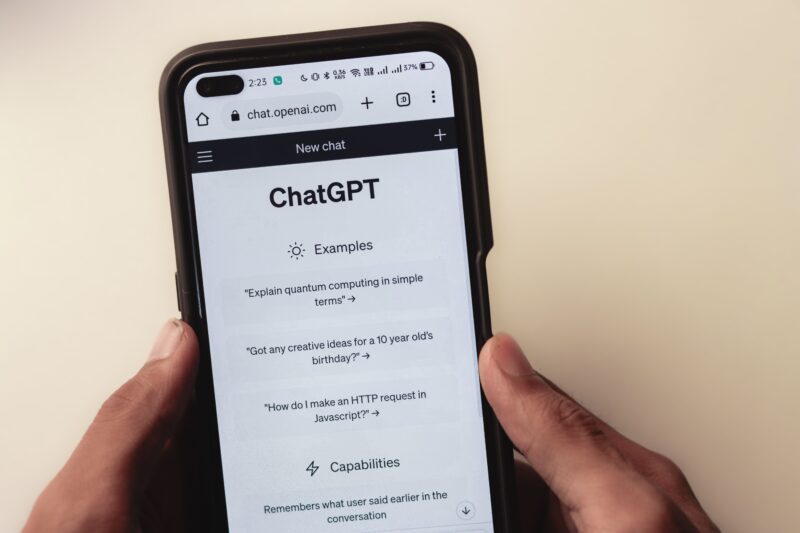
Prompt tracking: how often does ChatGPT recommend your restaurant?
Discover how often ChatGPT and other AI assistants recommend your restaurant, and which questions you're still missing.
Building contact and request forms and managing leads
Build contact, request and newsletter forms on your restaurant website and manage all leads in one inbox, on your phone too.

Preventing spam in your forms with Sitebite
Keep your contact forms spam-free with AI spam detection and a user-friendly captcha, so only genuine guest messages come through.
Recruiting staff through your own restaurant website
Recruit staff through your own restaurant website with job pages and an application form, or connect Link Hospitality or Soigné.
Private dining and venue hire: capturing event requests on your site
Create a private dining or venue hire page with a request form and capture private dinners, events and weddings on your own restaurant website.

Selling gift vouchers through your website with Gifty or Givacard
Sell gift vouchers through your restaurant website with Gifty or Givacard. Direct revenue upfront and a smart way to bring in new guests.
Online ordering on your own website with Powered By SOUS
Let guests order online through your own restaurant website with Powered By SOUS. More margin than via expensive delivery platforms, in your own house style.

Schema markup for restaurants: how Google and AI understand your dishes and prices
Schema markup is the invisible label that tells Google and AI exactly what a dish, price or opening hour is. Read what it does for your visibility, and why Sitebite handles it automatically for you.

SEO checklist for restaurants: finding and fixing issues with AI
Sitebite scans your pages for SEO issues and fixes many of them automatically with AI. No developer needed.
Sitemap, robots.txt and redirects: technical SEO with no developer
Sitebite automatically generates your sitemap and robots.txt, and with redirects you manage old URLs with no developer. Essential during a migration or renamed pages.

Google Search Console: see how guests find you on Google
Connect Google Search Console to Sitebite: verify your site and view keywords, clicks and indexing directly in your restaurant dashboard.
Bing Webmaster Tools: also findable beyond Google
Verify your restaurant website with Bing using a single meta tag value via Sitebite, and get found in Bing and Microsoft Copilot too.
Local SEO for restaurants: getting found for “restaurant in [city]”
Most guests come from your own area. With accurate NAP details, clear city and neighbourhood context, schema markup and an up-to-date Google profile, you get found for "restaurant in [city]".
Setting up Restaurant Context: cuisine, city and neighbourhood for local visibility
Fill in your cuisine, city, neighbourhood and business type so Google and AI assistants match you better to local searches.
Connecting Google Business Profile: posts, photos and news from your dashboard
Manage posts, photos and news on your Google Business Profile from Sitebite, for stronger local visibility with no need to keep logging into Google.
An FAQ on your website: fewer phone calls, better visibility
Add an FAQ to your restaurant website: answer frequently asked questions, save phone calls and strengthen your visibility with automatic FAQ schema.

llms.txt explained: how AI assistants recommend your restaurant
llms.txt is a text file that points AI assistants to the key information about your business. Read what it is, why it exists, and why Sitebite generates it automatically for you.

What is AI visibility and why your restaurant needs to appear in ChatGPT and Google
More and more guests ask ChatGPT or Google for a restaurant. Read how AI assistants choose which businesses to recommend, and what you need to do with your own site, a searchable menu and structured data to be included.
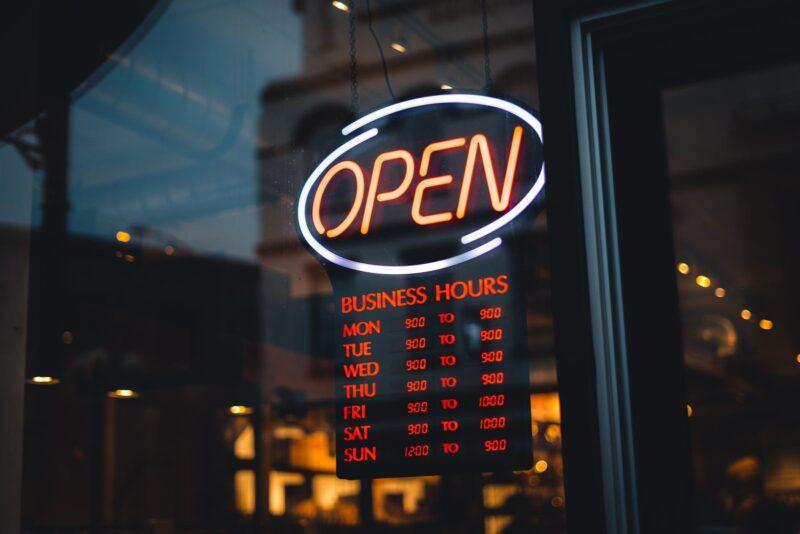
Opening hours always up to date: one place, visible everywhere
Wrong opening hours online cost you guests. Manage them with Sitebite in one central place, so they're automatically accurate everywhere on your site and in your structured data, holidays included.
Building and improving your website with the Site Assistant
The Site Assistant helps you step by step build and improve your restaurant website, with suggestions tailored to your business.

Your own app for your restaurant with Sitebite
Give your guests an app-like version of your restaurant site on their phone. With Sitebite, they add your site to their home screen with a single tap.
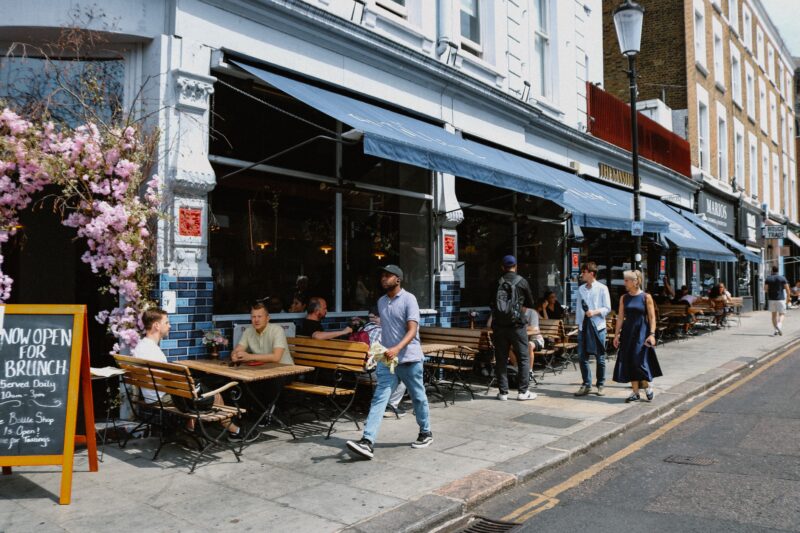
Managing multiple venues: websites for your hospitality group
Manage multiple restaurant websites under one organisation with Sitebite. Shared menus, a consistent house style and an overview for your hospitality group.

Connecting Hotjar to your restaurant website for more insight
Connect Hotjar to your restaurant website and see through heatmaps and session recordings how visitors use your site. Improve exactly where it's needed.

Setting up analytics and cookies on your restaurant website
Connect Google Analytics and Tag Manager to your restaurant website and add a cookie banner with Cookiebot or CookieYes. Measuring in line with GDPR.
From old website to Sitebite: setting up redirects
Switching to Sitebite with an existing website? Set up redirects from your old pages to the new ones, so you don't lose visitors or SEO value.

Creating your restaurant website: choose a template and start
Once your organisation is set up, you create your first restaurant website: choose a template, fill in your basic details and start building.

Creating your organisation at Sitebite
The first step at Sitebite: creating your organisation. This lets you manage your whole business, several sites, and your team from one account.
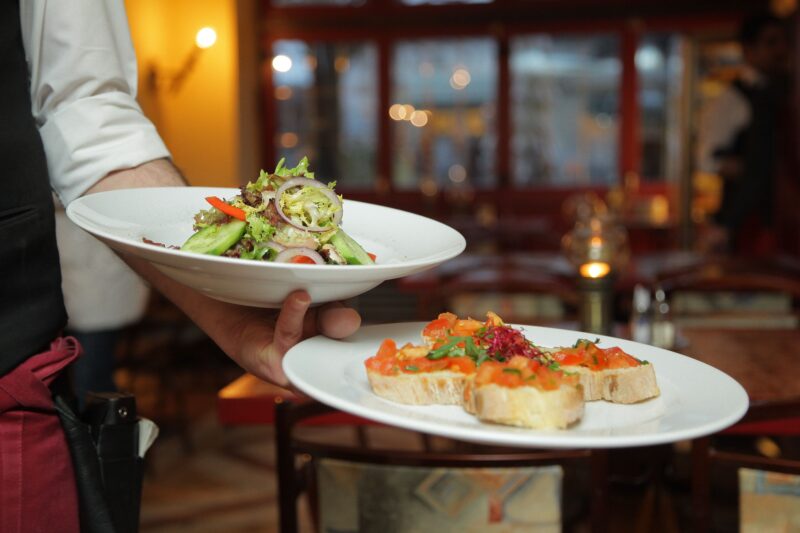
The complete guide to your restaurant website
The complete guide to your restaurant website: get found by Google and AI, set up your menu and bookings properly, and get more out of your site.
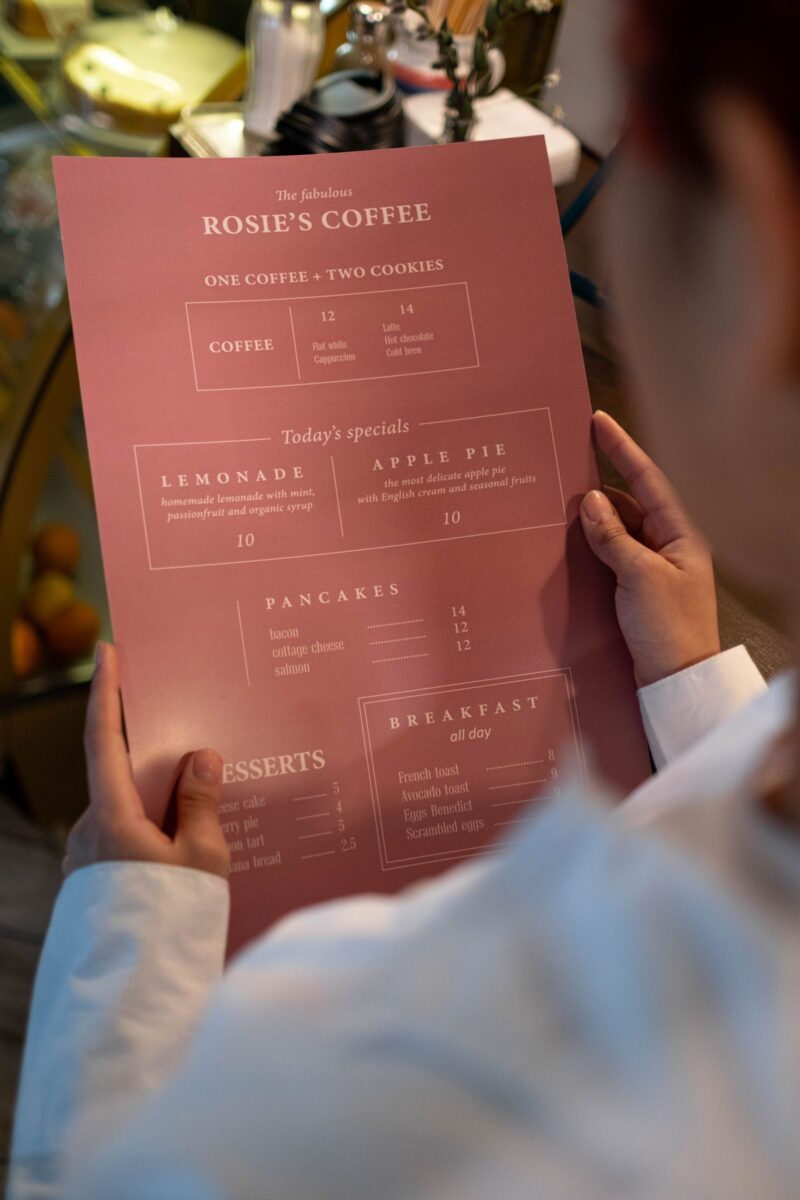
Digitising your menu in seconds: from photo or PDF to an online menu
Retyping your menu feels like an evening's work, but it doesn't have to. Upload a photo or PDF of your menu and Sitebite's AI turns it into a neat, searchable online menu you can update in seconds afterwards.
Setting up your house style: logo, colours and fonts
Carry your house style through on your restaurant website: set your logo, colours, fonts, patterns and favicon via Look & Feel in Sitebite, with no code.
Connecting your own domain name to your restaurant website
Connect your own domain name (yourrestaurant.com) to your Sitebite site: A record, CNAME for www, and step-by-step instructions for GoDaddy and other providers.
Registering or transferring a domain name to Sitebite
Don't have a domain yet, or want to transfer an existing one to another provider to connect to Sitebite? Here's how to handle it.

Bookings and integrations: what a hotel or campsite site needs
From booking engine to reviews: these are the integrations that together drive more direct bookings on your hotel or campsite website.

Capturing events and group requests through your website
Events, groups and weddings are your most valuable bookings, but often get lost in separate emails. Capture them in a structured way via your site and connections with MICE Operations and The Perfect Wedding.
From PDF menu to findable menu: why PDFs cost you guests
A PDF menu works poorly on mobile, is invisible to Google and AI, and quickly becomes outdated. Why a searchable HTML menu wins on every front, with no compromise on design.
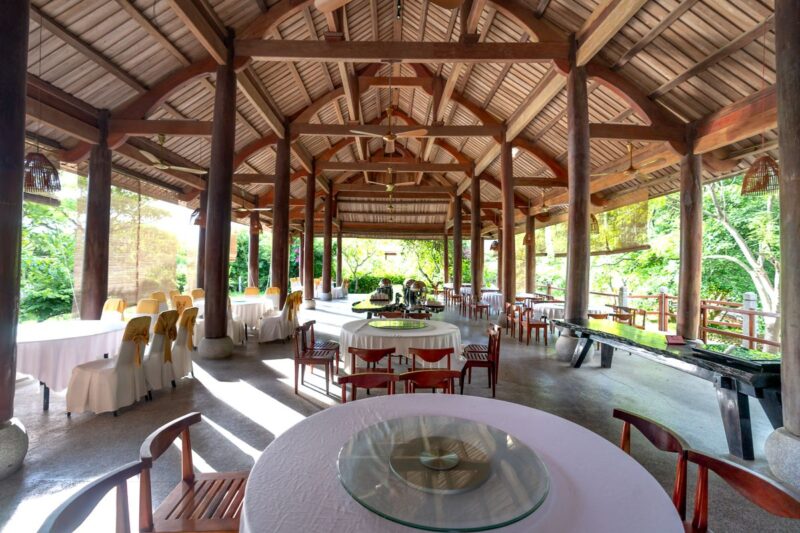
Menu functionality for hotel and campsite restaurants
From breakfast menu to campsite restaurant: why a digital menu replaces the PDF for hotels and campsites too.
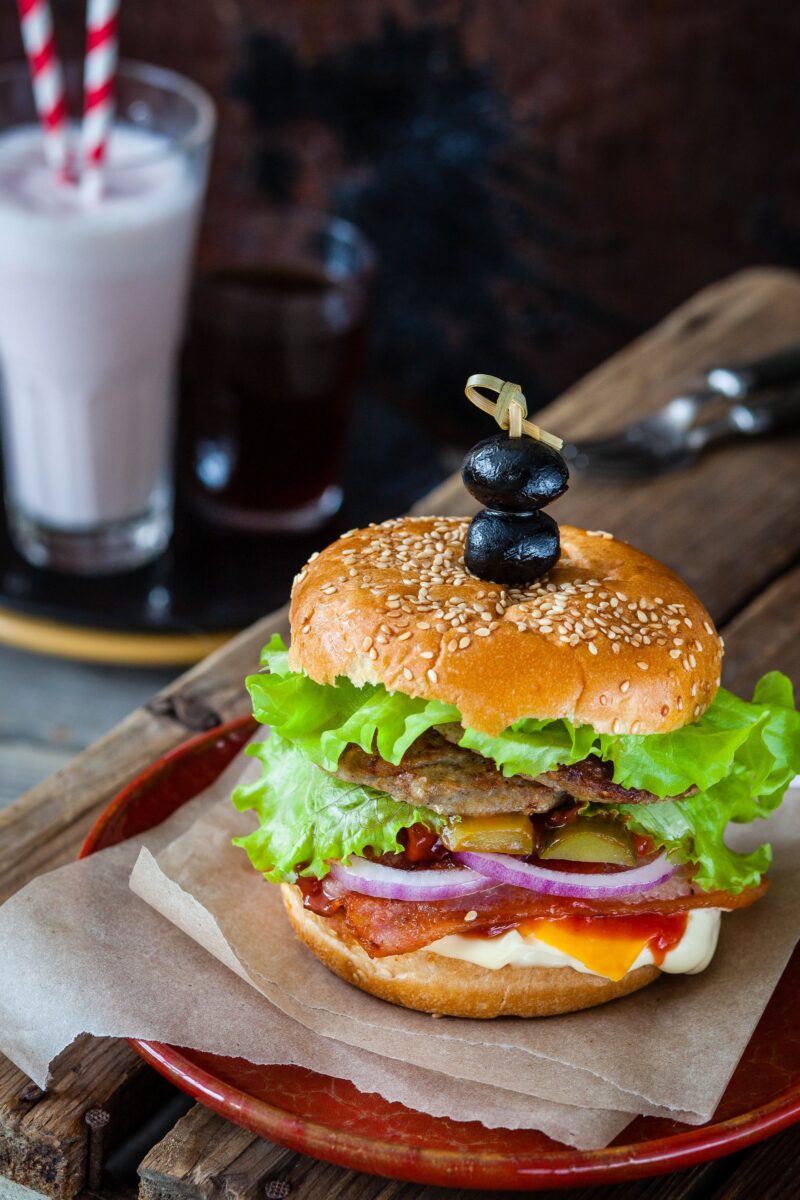
Multiple menus: separate lunch, dinner, wine and seasonal menus
Create unlimited menus in Sitebite: separate lunch, dinner, wine and seasonal menus, all machine-readable for Google and AI.
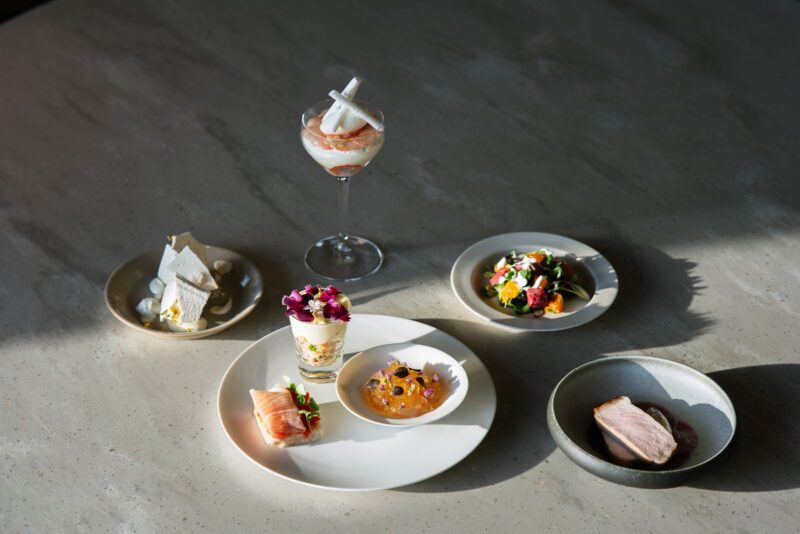
A menu with photos: why images boost your conversion
Guests choose with their eyes. Photos next to your dishes help with choosing, increase your average spend and contribute to your visibility. Here's how to add them with Sitebite, with tips for good menu photos.
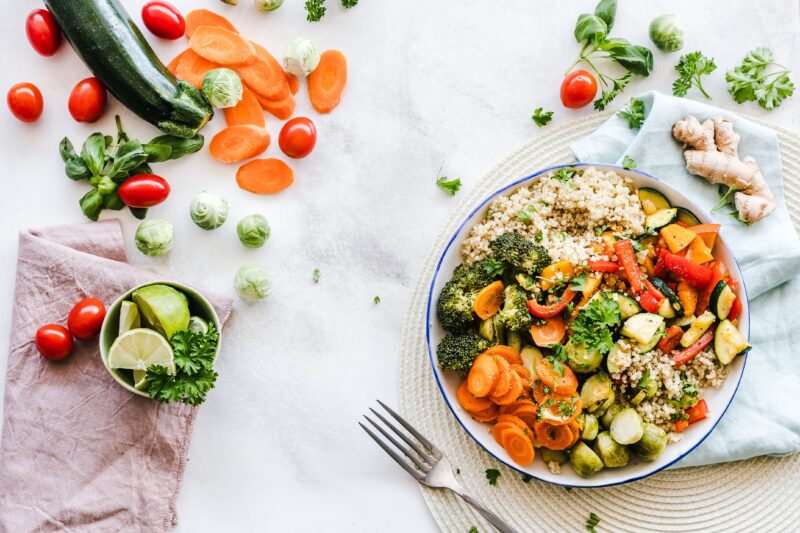
Adding diet labels and allergens to your menu
Add diet labels (vegan, vegetarian) and the EU-14 allergens to your digital menu in Sitebite. Better for your guests and your visibility.
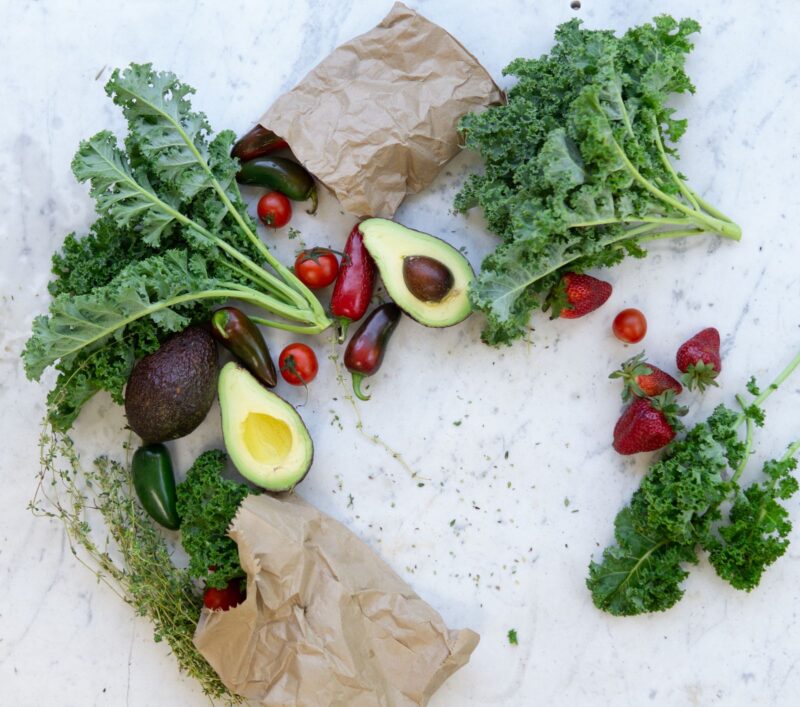
Showing allergens and dietary needs on your online menu
Showing allergens and dietary needs per dish builds trust, saves questions at the table and reaches a bigger group of guests. Here's how to add them with Sitebite.
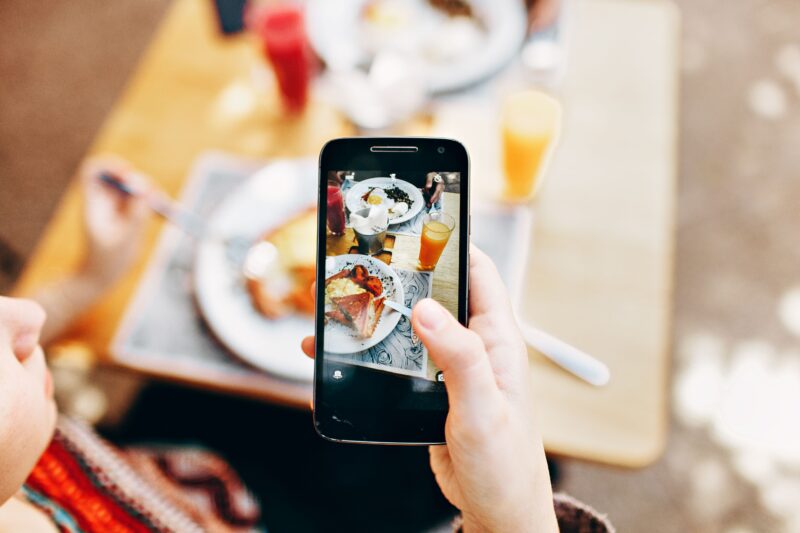
Digitising your menu with a photo or PDF
Upload a photo or PDF of your menu and let Sitebite automatically convert it into a digital, machine-readable menu. No retyping.
Shared menus: one menu for multiple locations
Manage one menu centrally at organisation level with shared menus, and show it on multiple sites. Ideal for chains and hospitality groups.

Determining your menu price: food cost, margin and VAT explained
How do you determine the right selling price per dish? An explanation of food cost percentage, margin and VAT, with a free calculator.
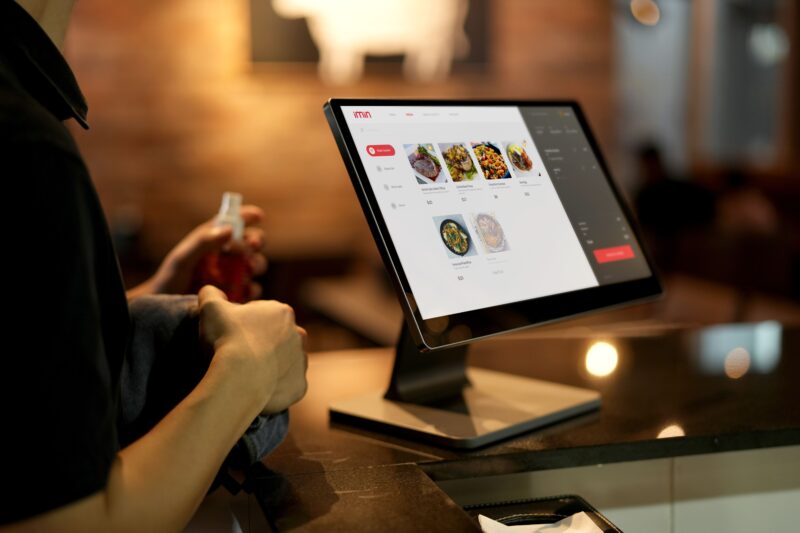
A menu widget on your website with Sitebite Menu
Show an external menu on your site with the Sitebite Menu integration: a floating menu widget and navigation link, connected with your Menu ID.

Making your campsite or hotel findable via AI search
More and more guests search via AI assistants instead of Google. Here's how to make your hotel or campsite findable in AI search.
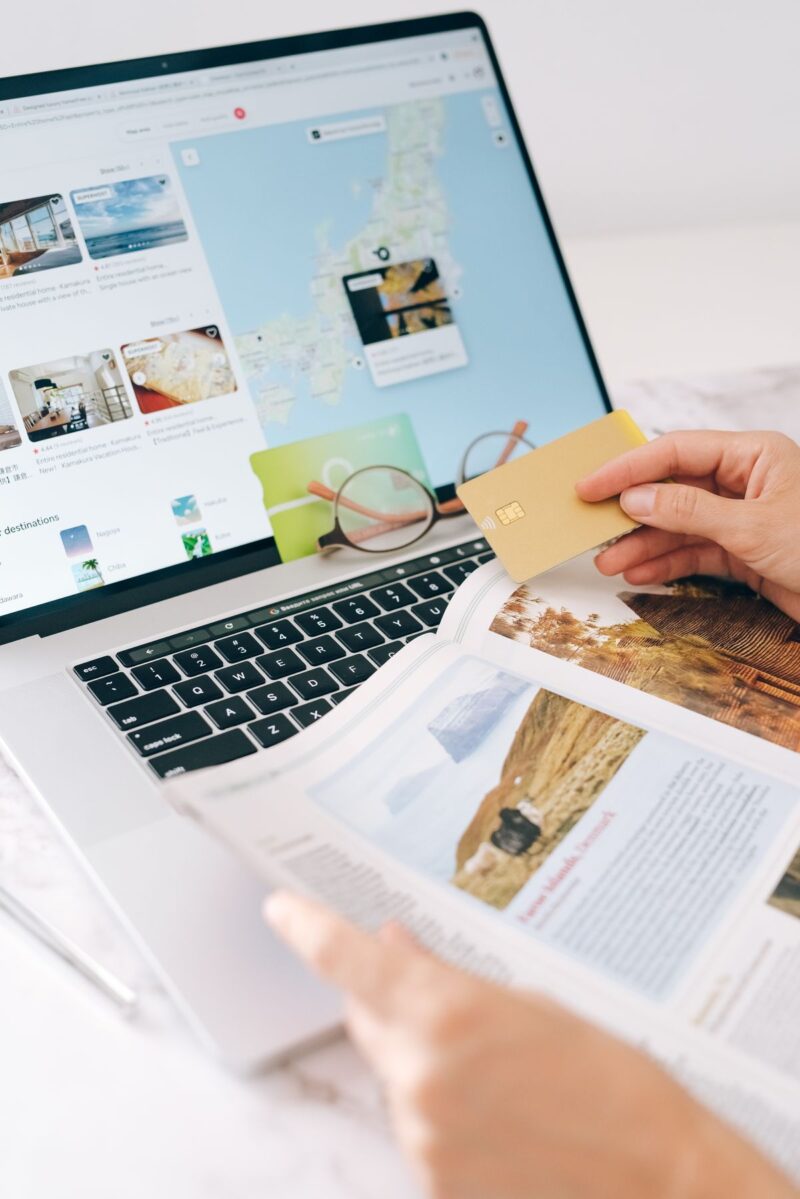
More direct bookings, less OTA commission
Every OTA booking costs commission. Here's how to get more guests booking directly on your own website.
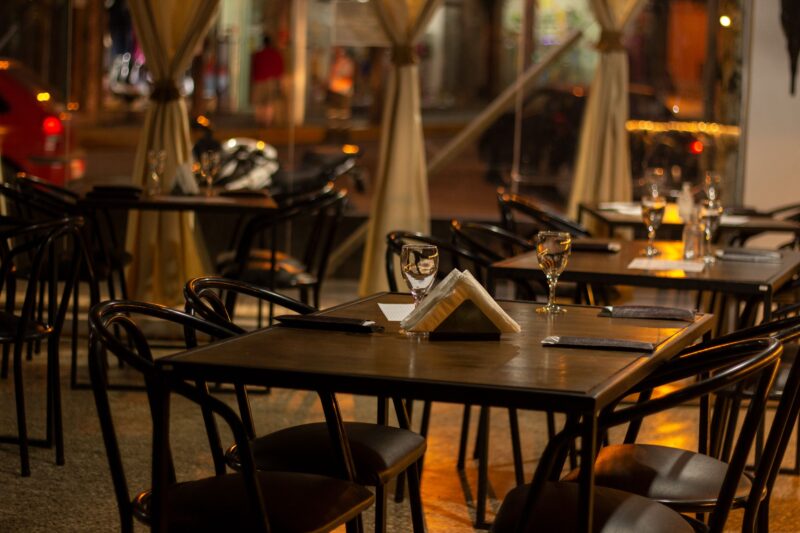
Connecting FRANK to your restaurant website: book online with no hassle
Using FRANK for bookings? Here's how to connect the widget to your Sitebite website, configure its behaviour, and let guests book directly via your own site.

Voice search and voice assistants: findable with no typing
How voice searches work, and why a structured menu and accurate business details get you into spoken answers.
A multilingual website for tourists and expats
In a touristy area, you're leaving guests behind with a site in only one language. Offer your site and menu in several languages from one dashboard, with localised URLs for your visibility.

7 ways a good website brings you more guests
A good website isn't a business card, it's one of your hardest-working staff members. Seven concrete ways your site brings more guests to the table, from visibility to booking in a few taps.
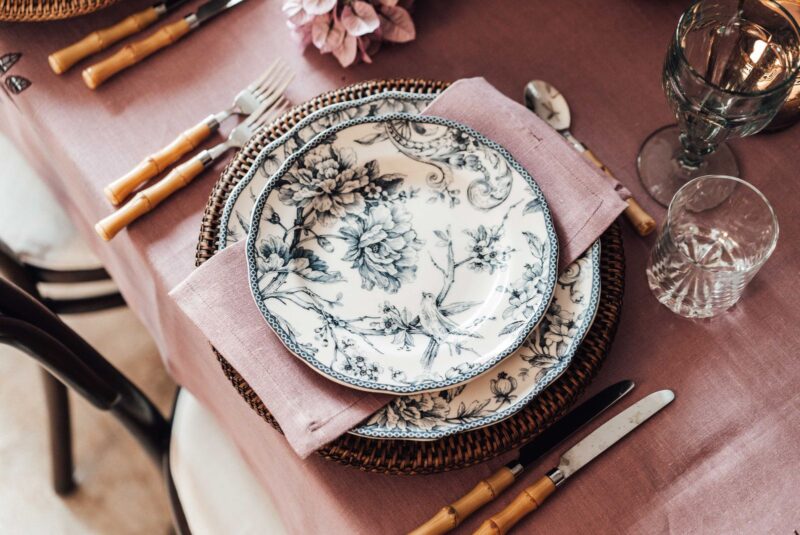
Connecting online bookings: Formitable, Zenchef, Resengo and more
You don't need to switch booking systems for a new site. Connect Formitable, Zenchef, Resengo and other systems to your website, so guests book a table in a few taps.

Building a restaurant website with no coding: how Sitebite works
Build a restaurant site of your own with no line of code? With templates and ready-made sections, Sitebite often gets you a complete site live in an afternoon, which you then update entirely yourself.

