Connecting a Channel Manager to Your Hotel or Campsite Website: Syncing Booking.com, Airbnb and Expedia
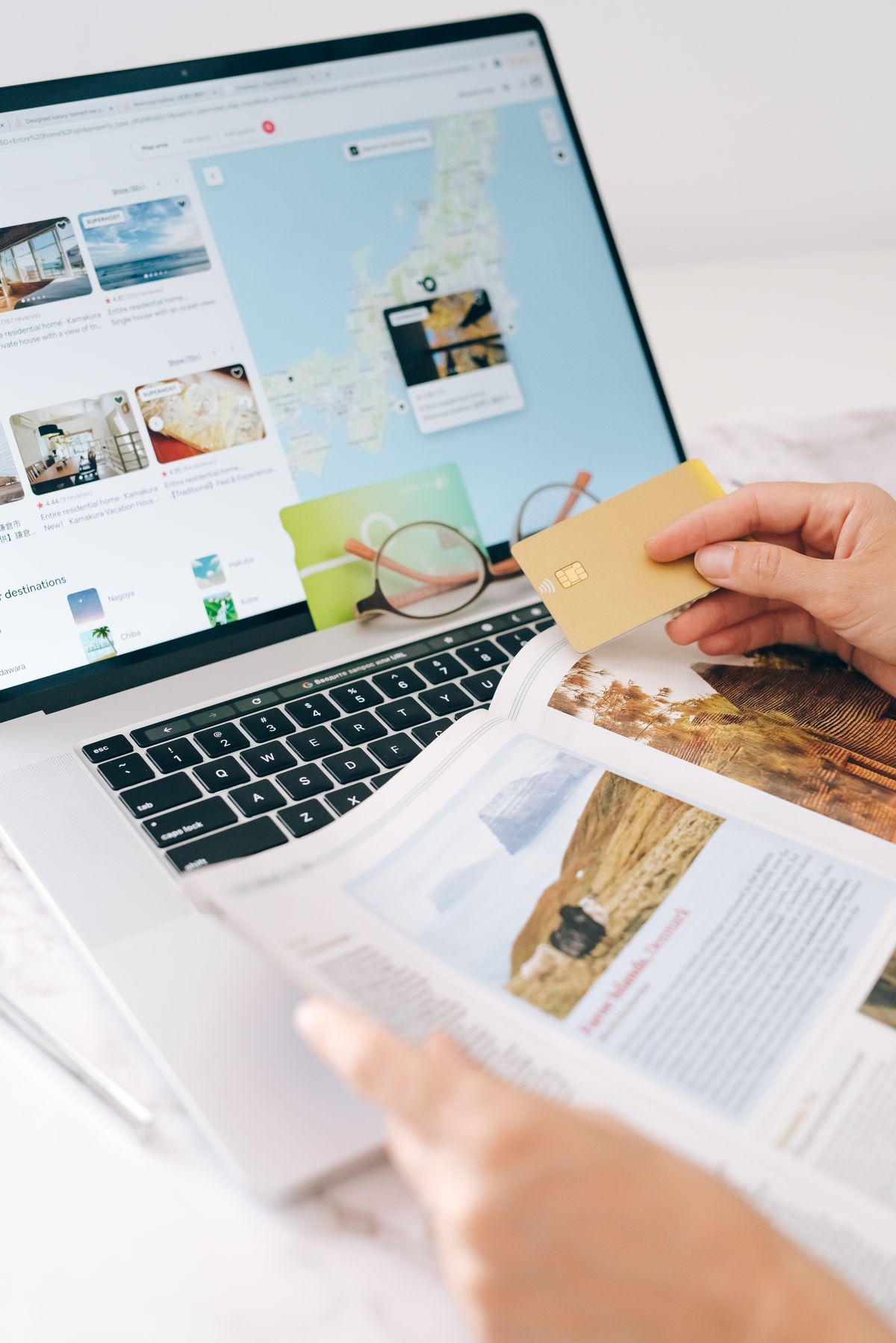
Keeping availability and rates correct on Booking.com, Airbnb, Expedia and your own website at the same time: do it by hand long enough and sooner or later you’ll end up with a double booking. A guest books a room on Booking.com that was sold through your own site an hour earlier, and you’re the one sending the awkward email to cancel it. A channel manager solves this automatically by keeping every booking channel in sync.
What is a channel manager?
A channel manager sits between your booking engine, the system where you manage rooms, rates and availability, and the channels where guests actually book: Booking.com, Airbnb, Expedia, and your own website. Change a rate or close a room type for a weekend, and the channel manager updates it in real time on every connected channel. You only make the change in one place instead of five.
Why this is more than just your booking engine
A booking widget on your website gets guests to book directly with you, in your own style. That’s one half of the story: winning as many bookings as possible through your own site. The channel manager is the other half. The moment a booking comes in, whether through your website, Booking.com or Airbnb, every other channel needs to reflect it. Without a channel manager, you risk selling the same room or pitch twice, right when you’re busiest, and that costs more than losing OTA commission: it costs the guest’s trust once you have to rebook them elsewhere.
How the connection works on your Sitebite website
- You tell us which channel manager you use or plan to use, and which booking engine it’s connected to.
- You share your channel manager’s API access, so Sitebite can show the booking widget on your website with the same live availability as your OTAs.
- Sitebite builds the widget in your house style and places it on the pages where guests book, for example your homepage and a fixed “Book now” button in the navigation.
- You check that a change in your channel manager, like closing a room type or pitch, is instantly reflected on both your website and your OTA channels.
If you already use a connected booking engine like Mews, little changes for your website: the channel manager handles the sync between your channels, while Sitebite stays responsible for how the widget looks on your own site.
What you need
- A channel manager connected to the OTAs you’re active on.
- A booking engine that talks to that channel manager.
- A published Sitebite website for your hotel or campsite.
- Access to your channel manager’s API or connection settings.
Which channel manager can you use?
Sitebite isn’t tied to one specific channel manager. As long as the system connects to your booking engine, the availability it produces can be shown on your website the same way. In practice, hotels and campsites often work with providers like SiteMinder, Cloudbeds or RateGain, sometimes already built into their existing booking system. Not sure which combination fits your situation? Discuss it with your Sitebite contact.
Campsites and holiday parks too
Campsites and holiday parks run into the same problem as hotels, often with an extra layer of complexity: pitches, chalets and seasonal spots booked across multiple platforms at once. A channel manager that correctly distinguishes between these units prevents a pitch from being assigned twice during a busy holiday week.
What it gets you
- No more double bookings, because availability is identical on every channel.
- Less manual work, since you only update rates and availability in one place.
- More guest trust, because a booking on your website is just as reliable as one made through an OTA.
Frequently asked questions
Do I need a channel manager if I’m only on one OTA?
The risk of double bookings is smaller, but not zero. The moment you use even one channel besides your website, both can end up selling the last room or pitch at the same time.
Does a channel manager replace my booking engine?
No. Your booking engine stays the system where you manage reservations, rates and guest data. The channel manager makes sure that information matches everywhere.
Does this still work if I don’t have a booking widget on my website yet?
Then that’s your first step. Take a look at how to add a Mews booking widget on your website, and expand with a channel manager once you’re active on multiple channels.
This article is part of the complete guide to your hotel or campsite website and ties into the wider bookings and integrations a hotel or campsite site needs.
Get started
Prevent double bookings and let guests book with confidence, on every channel. Try Sitebite for free and see how your booking engine and channel manager show up on your website.


