Setting Up Your Email Sender: SPF, DKIM and DMARC So Your Mail Doesn’t Land in Spam
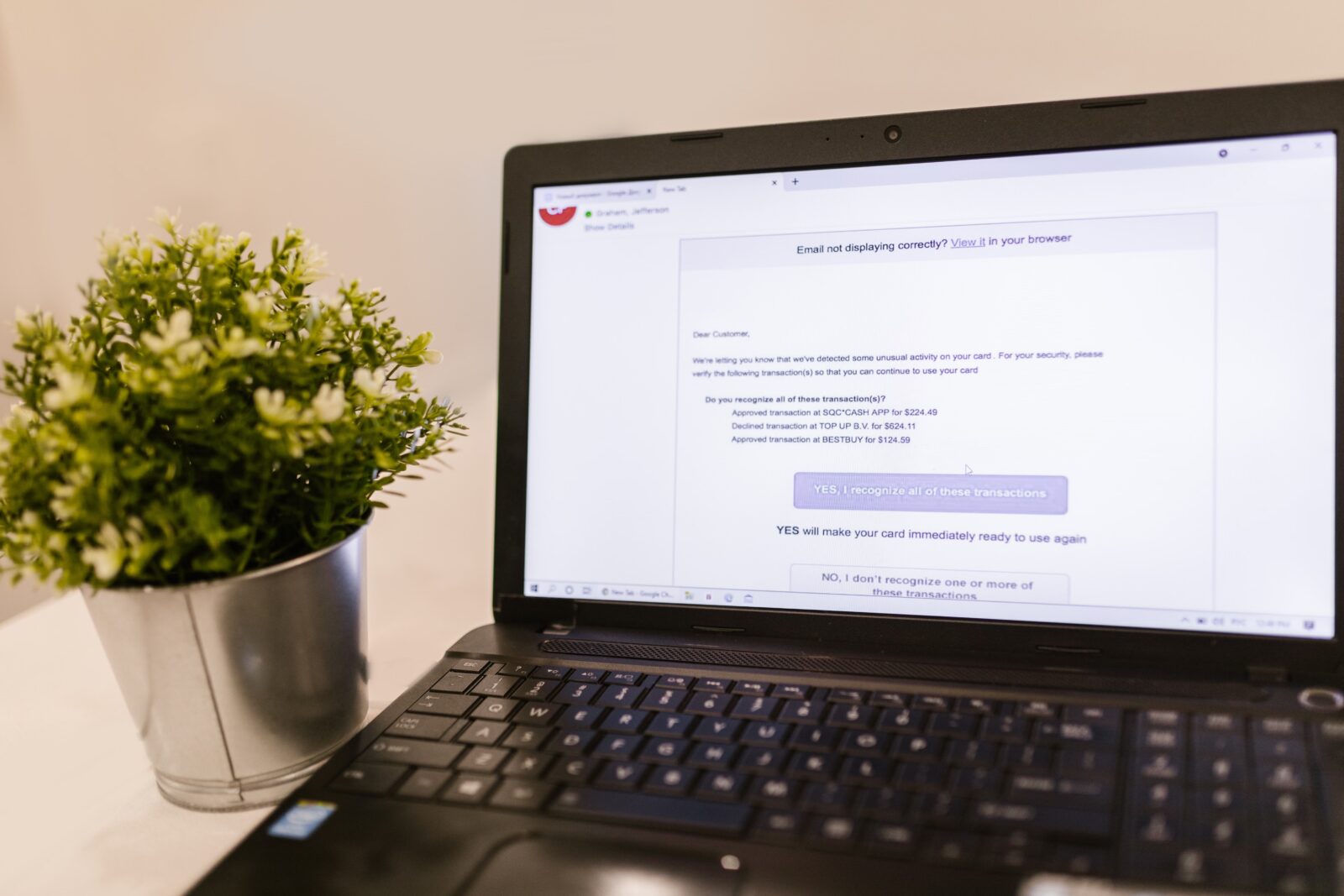
Do you send booking confirmations, newsletters or automatic notifications from your own domain, such as info@yourrestaurant.com? There’s a good chance some of them are landing in your guests’ spam folder, unless your email sender is set up correctly. With three DNS records: SPF, DKIM and DMARC, you tell email providers like Gmail and Outlook that your domain really is behind that mail.
Why your mail sometimes gets flagged as spam
Email providers now automatically check whether a sending domain can be trusted. Without that verification, Gmail and Outlook are quicker to mark your message as spam, or refuse it altogether. This mostly affects email marketing sent through tools like Mailchimp or Brevo, and automatic notifications your site sends out, for example a new submission through your contact form or a booking confirmation.
SPF, DKIM and DMARC in short
- SPF (Sender Policy Framework): a list in your DNS of which servers are allowed to send mail on behalf of your domain. If a sending service isn’t on that list, spam filters take note.
- DKIM (DomainKeys Identified Mail): a digital signature added to every outgoing email, so the recipient can verify the message wasn’t altered along the way.
- DMARC (Domain-based Message Authentication): the rule that tells providers what to do if a message fails the SPF or DKIM check, and where to send reports about that.
The three work together: SPF and DKIM prove a message is genuine and unaltered, DMARC decides the consequences when it isn’t.
How to set it up
- List every service that sends mail on your behalf. Think of your booking system, your email marketing tool and your website forms. Any service sending mail from your domain needs to be included in your SPF record.
- Ask each service for its SPF include value and DKIM instructions. Every platform (Mailchimp, Klaviyo, Brevo, your booking system) gives its own values to add.
- Add one SPF record as a TXT record at your domain provider, listing every approved sender. You can only have one SPF record per domain, so combine every service into that single record.
- Add the DKIM records each service provides, usually as separate TXT records with their own “selector” in the name.
- Then add a DMARC record as a TXT record at
_dmarc.yourdomain.com. Start cautiously with a monitoring-only policy (p=none), so you can see what’s happening before tightening it up. - Build up from there to a stricter DMARC policy (
p=quarantineorp=reject) once you’re confident every legitimate sender is correctly included.
Checking it’s set up correctly
Send yourself a test email and check the original message headers for “SPF: PASS” and “DKIM: PASS”, or use an online tool that checks your records. Give it a little time after setting things up: DNS changes aren’t always instant, much like with registering or transferring a domain name or connecting your own domain to your restaurant website.
Frequently asked questions
Do I need this even if I only send the occasional email from my website?
Yes. Even a single automatic confirmation email or contact form notification benefits from a correctly configured sender: less chance your guests miss it because it landed in spam.
What if I use several services at once, like email marketing and a booking system?
Add them all to the same SPF record and give each service its own DKIM record. That way every sender stays recognised as trusted, even when you add a new tool later.
Can a misconfigured record block my mail instead?
Yes, which is why you start with a monitoring-only DMARC policy (p=none) before switching to quarantine or reject. That way you see everything is working before there’s any risk of blocked mail.
Working on your sender reputation? Make sure your other forms are in good shape too: preventing spam in your forms keeps your inbox clean alongside a clean sender reputation.
Want your mail to always get through? Try Sitebite and get your domain and sender set up right in one go.


